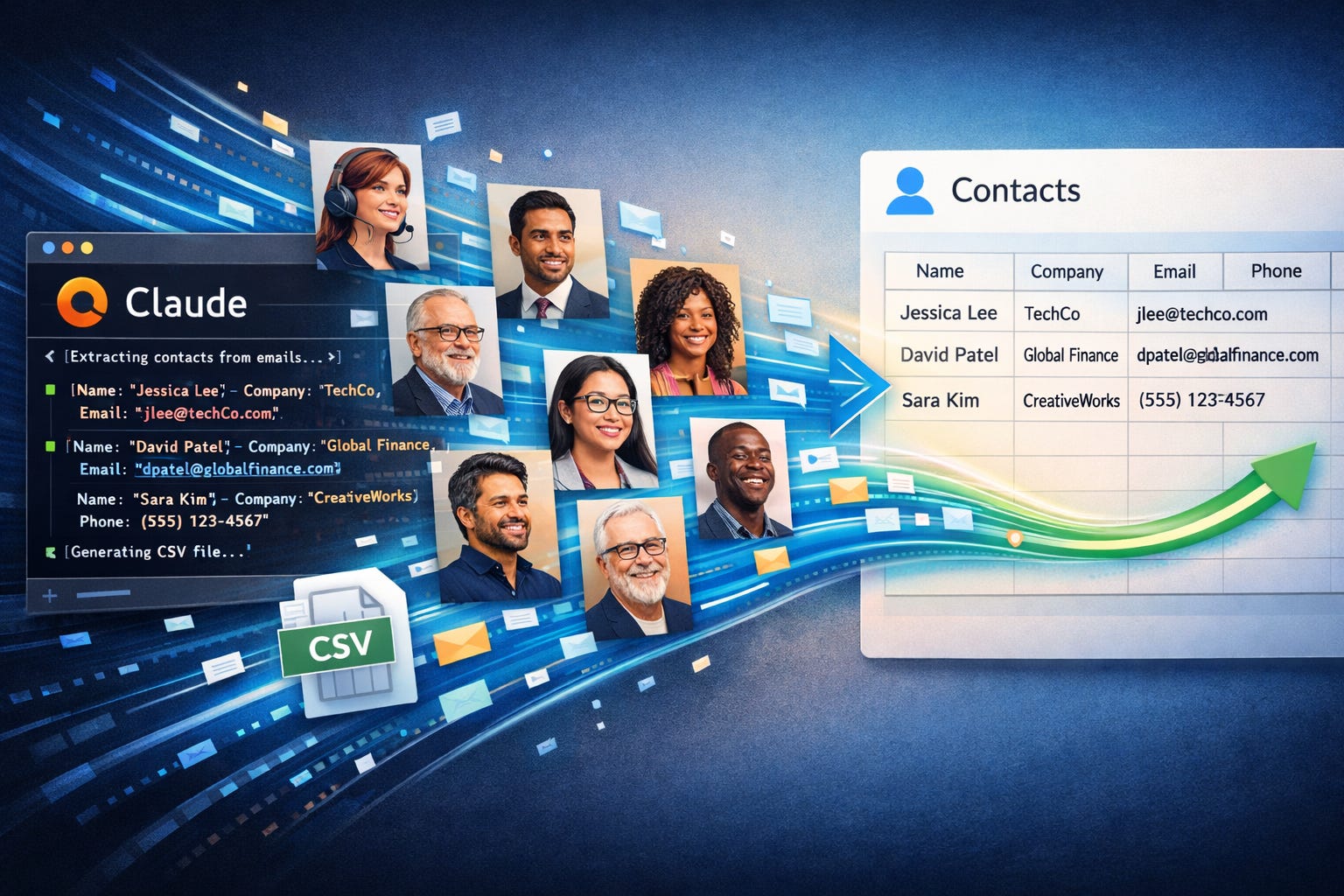
Turn your Gmail into a contact list with AI
Stop searching your inbox. Turn recent conversations into a clean contact list in minutes.
You already have the data. It’s sitting in your inbox. In a few minutes, you can turn recent email conversations into a clean contact list, ready for Google Contacts.
What you’ll get
A list of real people you’ve actually interacted with
Names, companies, and details pulled from email signatures
A CSV file ready to import into Google Contacts
How it works
You will use Claude to scan your recent emails and identify real conversations.
Simple rule:
If you replied in a thread, it’s probably someone worth saving.
Before you start
You will connect Claude to Gmail
You will review the results before importing
Start with one month of email, not your entire inbox
Step 1: Connect Claude to Gmail
In Claude:
Select + → Connectors → Gmail
If needed, select Add connector
Use the default model labeled “Most efficient for everyday tasks.”
Enable extended thinking if available.
Step 2: Run this prompt
Paste this into Claude:
Goal:
Create a contact list from my recent email conversations.
Instructions:
Review my emails from the last month
Find threads where I responded at least once
Include only real people or groups
Avoid:
Customer service or support tickets
Spam or promotions
Suspicious calendar invites
Include:
First name
Last name
Nickname if available
Company, infer if needed
Website, infer if needed
Phone number, infer if needed
Any useful details from signatures
Output:
Provide a Google Contacts-ready CSV file
Step 3: Download and import
Download the CSV from Claude
Select Import
Upload the file
If there are issues, ask Claude to fix the file and re-download.
Step 4: Clean up
For the most part, Google will handle merging or skipping existing contacts, but it is not perfect. While you are still in Google Contacts, select the Merge and fix option to make sure there are no issues to resolve.
Done!
You now have a contact list built from real conversations.
Automate it with code
If you like this tip and want to automate this process by writing your own automation, you should learn how to write code with AI.
Sign up here for my AI Workshop to learn how to code and automate your work with AI. Use promo code CMB for a 10% discount.


